Installing a CCTV surveillance system is one of the best ways to protect your home, office, warehouse, retail store, or industrial facility. However, simply installing cameras isn't enough. Without regular maintenance, your CCTV system can develop issues such as blurry images, recording failures, storage problems, or complete downtime often when you need it most. Routine CCTV maintenance ensures your surveillance system delivers clear footage, operates reliably, and provides uninterrupted security. At D'Park Corporation, we help businesses across India install and maintain high-performance CCTV surveillance systems that offer dependable protection every day.
A poorly maintained CCTV system can create security gaps that leave your property vulnerable. Regular maintenance helps you:
Whether you manage a commercial building, factory, school, hospital, residential society, or retail outlet, preventive maintenance is essential.
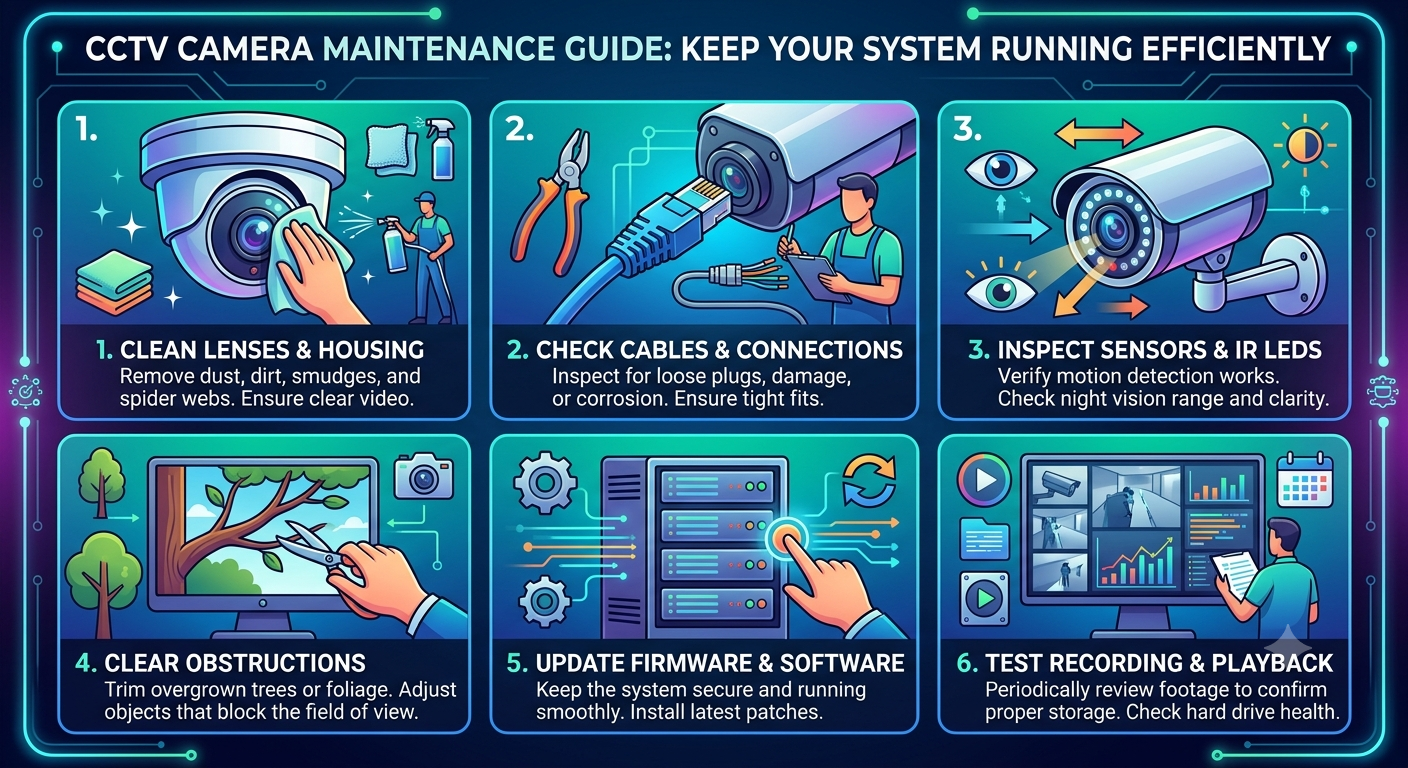
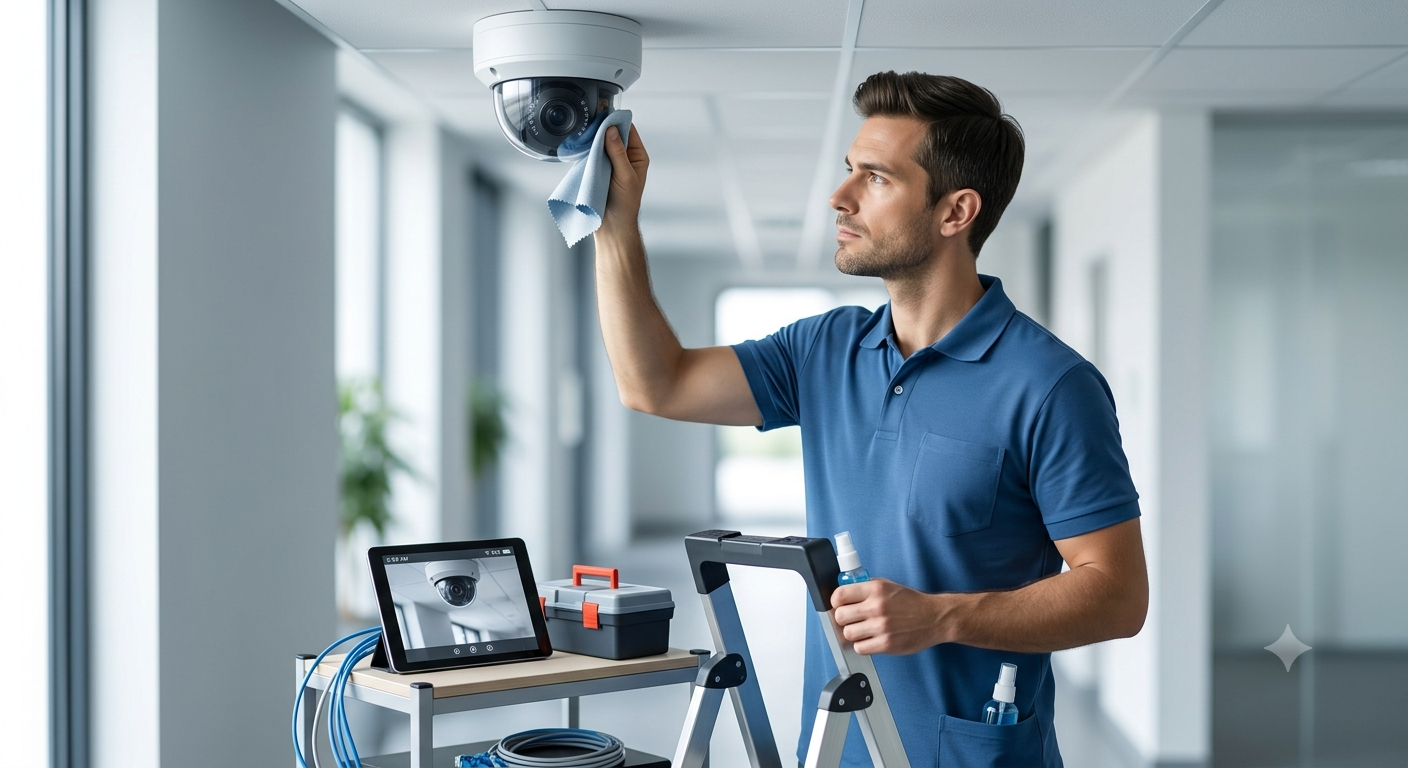
Dust, fingerprints, rainwater, insects, and pollution can reduce image quality.
Use:Avoid abrasive materials that may scratch the lens.
Recommended: Clean every 1–2 months or more frequently in dusty environments.
Strong winds, vibrations, accidental impact, or construction activity may shift camera angles.
Inspect whether cameras still cover:
Even a small angle change can create blind spots.
Loose or damaged cables are among the most common reasons for CCTV failure.
Check:
Replace damaged wiring immediately to avoid interruptions.
Infrared (IR) LEDs may weaken over time.
Perform night inspections to ensure:
Night-time testing is just as important as daytime inspections.
Many organizations assume their CCTV is recording until an incident occurs.
Regularly verify:
Never assume recording is functioning correctly without testing.
Recording devices are the heart of your surveillance system.
Check:Replace aging hard drives before they fail.
Manufacturers release updates to improve performance and fix security vulnerabilities.
Benefits include:
Always install updates from trusted manufacturers.
Power failures shouldn't stop surveillance.
Inspect:
Reliable backup power ensures uninterrupted monitoring.
Business layouts often change over time.
Review coverage after:
Adjust camera placement whenever necessary.
Professional inspections help identify hidden issues before they affect security.
certified technician can:
Preventive maintenance reduces downtime and increases system reliability.
Watch for these warning signs:
Ignoring these symptoms can lead to equipment failure when security matters most.
Routine maintenance is essential for:
Reliable surveillance protects people, assets, and business operations.
At D'Park Corporation, we provide complete CCTV surveillance solutions, including:
experienced team ensures your surveillance system delivers dependable performance throughout its lifecycle.
How often should CCTV cameras be serviced?
Professional maintenance is recommended every 6–12 months, while basic checks such as cleaning lenses and testing recordings should be performed more frequently.
Why is my CCTV footage blurry?
Common causes include dirty lenses, incorrect focus, poor lighting, moisture inside the camera, or camera movement.
How long does a CCTV hard drive last?
Most surveillance hard drives last between 3–5 years, depending on usage and operating conditions.
Can CCTV cameras work during a power cut?
Yes, if the system is connected to a UPS or backup power source.
Should firmware updates be installed?
Yes. Firmware updates improve security, stability, and overall performance.
A CCTV surveillance system is only as effective as its maintenance. Regular inspections, cleaning, software updates, and professional servicing ensure your cameras continue to provide reliable protection and high-quality evidence when it matters most. you operate a small office or manage a large commercial facility, proactive CCTV maintenance is an investment in long-term security. Secure Your Property with D'Park Corporation Looking for professional CCTV installation, maintenance, or AMC services? D'Park Corporation delivers trusted CCTV surveillance solutions for businesses, industries, institutions, and residential properties across India.
D'Park Corporation – We Serve to Save.
Your safety is the protection of others.